






























Standard format
PDF orders
Order header and line items from multi-page order PDFs, including nested tables.
Consulting
News

The Order Processing Agent reads orders that arrive on a Salesforce record as PDF, scan, Excel or Word and extracts the order header and line items with AI. Every run gets a confidence score: uncertain results land in the review queue automatically instead of slipping through unnoticed.
Aviando Agent · Extracting order header & line items
The Aviando Agent picks orders up where they arrive: as a file on the case, on the email or on any other Salesforce record. It extracts the order data with AI and logs every run in Salesforce with a confidence score.
Document analysis, AI extraction of
order header & line items, confidence scoring
Logged runs, uncertain cases in the review list
Taken over without manual review, last 30 days
512 documents processed · 1,540 pages analysed · 471 taken over automatically · 41 checked in review · sample values from 30 days of operation
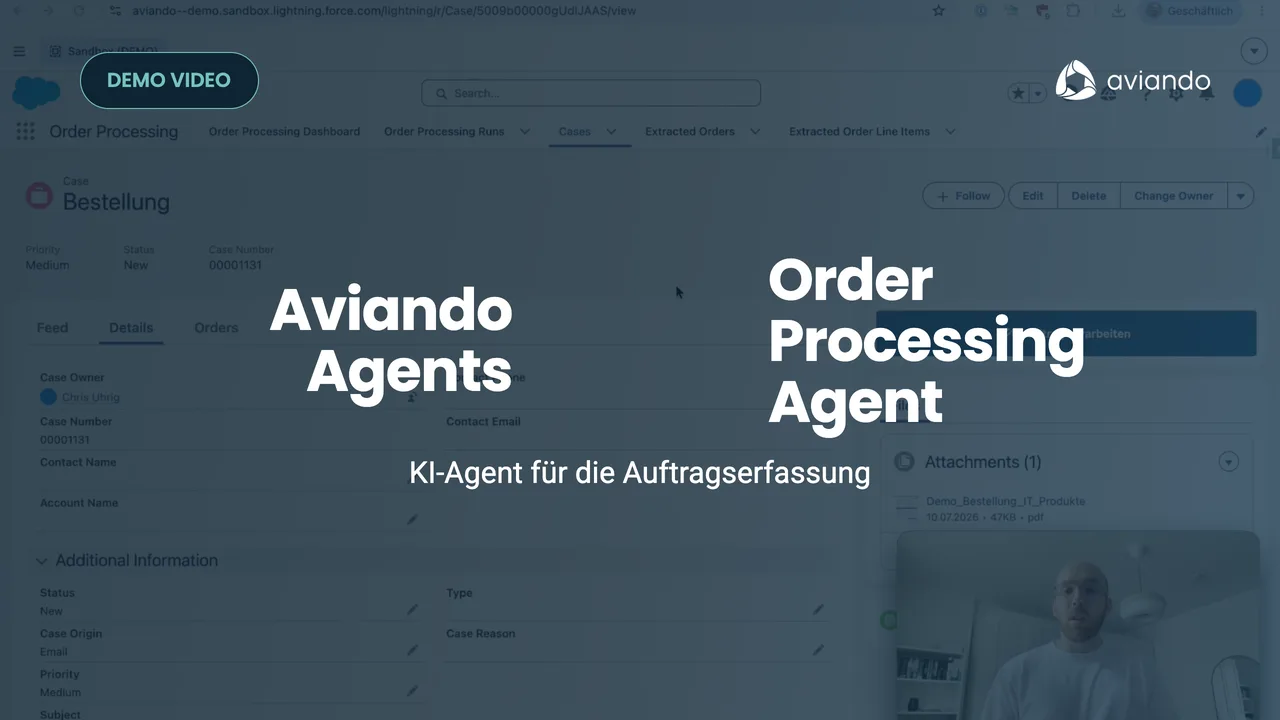
From the incoming order PDF through the AI extraction to the verified order in Salesforce, recorded in a real org. Including review queue and confidence score.
Whether orders reach you as an inquiry, a ticket or an order: the agent reads them where they land anyway. It also understands tables and handwritten notes in the original. The tiles show typical cases from sales support; which documents, fields and follow-up steps apply for you is something we align together with your order intake.
Order header and line items from multi-page order PDFs, including nested tables.
Reads layout, stamps and handwriting multimodally, even with skewed scans and fax quality.
Order lists with many line items, extracted row by row in a structured way.
Informal orders and order confirmations as running text.
In email-to-case orgs the agent automatically processes the attachments of the original order email as well.
Case, order request or custom object: source fields configured via custom metadata, no deployment.
Optional direct connection when your documents live in your own SharePoint tenant.
The result lands in Salesforce in a structured form; we build the handover to your ERP as a customer-specific extension.
Typing up PDFs, scans and Excel files is gone completely. Your team only checks the uncertain cases.
Every run gets a score from 0 to 100 with an understandable rationale. The team sees immediately which result it can trust and which needs a review.
Runs below the confidence threshold appear automatically in the review list on the dashboard. One click confirms the review and documents it on the run.
Typos in article numbers, quantities and customer numbers never happen in the first place. Uncertain extractions surface in the process before they reach the customer.
Every run is its own Salesforce record with status, timestamps, confidence, consumption and error message. Standard reports and list views work right away.
No separate entry tool, no new interface: start via a button or a record-triggered flow; results, dashboard and permissions stay in the CRM.
Key figures, consumption and confidence distribution right in your own Salesforce. Uncertain runs wait in the review list: your team confirms them on the record.
Order intake, automation rate, confidence and review tasks at a glance
All runs of the last seven days completed without errors. The volume can be increased.
Every review is documented on the run, audit-proof in your own Salesforce
| Run | Status | Confidence | Units | Source | Started | Message |
|---|---|---|---|---|---|---|
| OPR-00512 | Completed | 98.1 % | 3 | Inquiry | 21.08.2026 | 12 line items taken over |
| OPR-00511 | Completed | 96.4 % | 1 | Inquiry | 21.08.2026 | 4 line items taken over |
| OPR-00510 | Reviewed | 58.0 % | 2 | 21.08.2026 | Quantity in line item 3 confirmed | |
| OPR-00509 | Completed | 99.0 % | 2 | Inquiry | 20.08.2026 | 7 line items taken over |
| OPR-00508 | Failed | None | Inquiry | 20.08.2026 | No result received within 15 minutes | |
| OPR-00507 | Completed | 93.7 % | 4 | Scan | 20.08.2026 | Handwritten note recognised and taken over |
| OPR-00506 | Completed | 97.2 % | 1 | 19.08.2026 | 5 line items taken over |
From €249 per month. Weigh that against manual entry time: minutes per document that become a bottleneck at high volume. Set the sliders to your numbers.
1 PDF page = 1 unit · 1 image = 1 unit · 1 Excel, Word or text file = 1 unit
1,500 units per month in the Team package, cancel monthly. A typical order document has 2–4 pages, i.e. ~3 units. Unused units only expire after 3 months.
Example: ~500 documents/month at ~8 minutes of entry at €55/h ≈ €3,665 in time value vs. the €1,099 Team package → ROI ~3.3×, before any effect on cycle time and error rate.
Your workflow instance runs dedicated per customer on a server in Germany: its own container, its own database, its own subdomain. We run, monitor and optimise it for you, including an automatic error handler with alerts.
Start via a button or from any record-triggered flow. Results can be wired straight into your follow-up processes: order objects, approvals, task assignments.
Only the configured source fields and files are processed. Execution data is deleted after 7 days at the latest. The AI extraction runs through the connected AI provider as a sub-processor with its own DPA and EU standard contractual clauses. We settle the details transparently in the data processing agreement.
You decide via configuration which fields and files are sent. Additional Salesforce write operations are fixed in the workflow and cannot be controlled from outside. One switch is enough to pause the agent.
“The Order Processing Agent takes a lot of manual work off our sales support team: orders are read in reliably with up to 50% time savings and handed over directly to our ERP. That saves us valuable time every day, which we can put to better use for our customers.”

Jan Philip Petershagen
Executive Board

In 30 minutes we show you the Order Processing Agent live, happy to use a few of your real order PDFs. After that you test free for 4 weeks.

We’ll get back to you shortly and set up your trial period.